Explain the solution clearly
Start with the core idea and the data structure or algorithm that makes it work.
Multi-screenshot coding help
Sayman AI is an AI coding interview assistant for prompts that are spoken, visible on one screen, or spread across a long page. Combine up to five sequential screenshots and receive a structured approach, clean code, useful tests, and time and space complexity in the right programming language.
Up to 5 sectionsLanguage-awareComplexity included
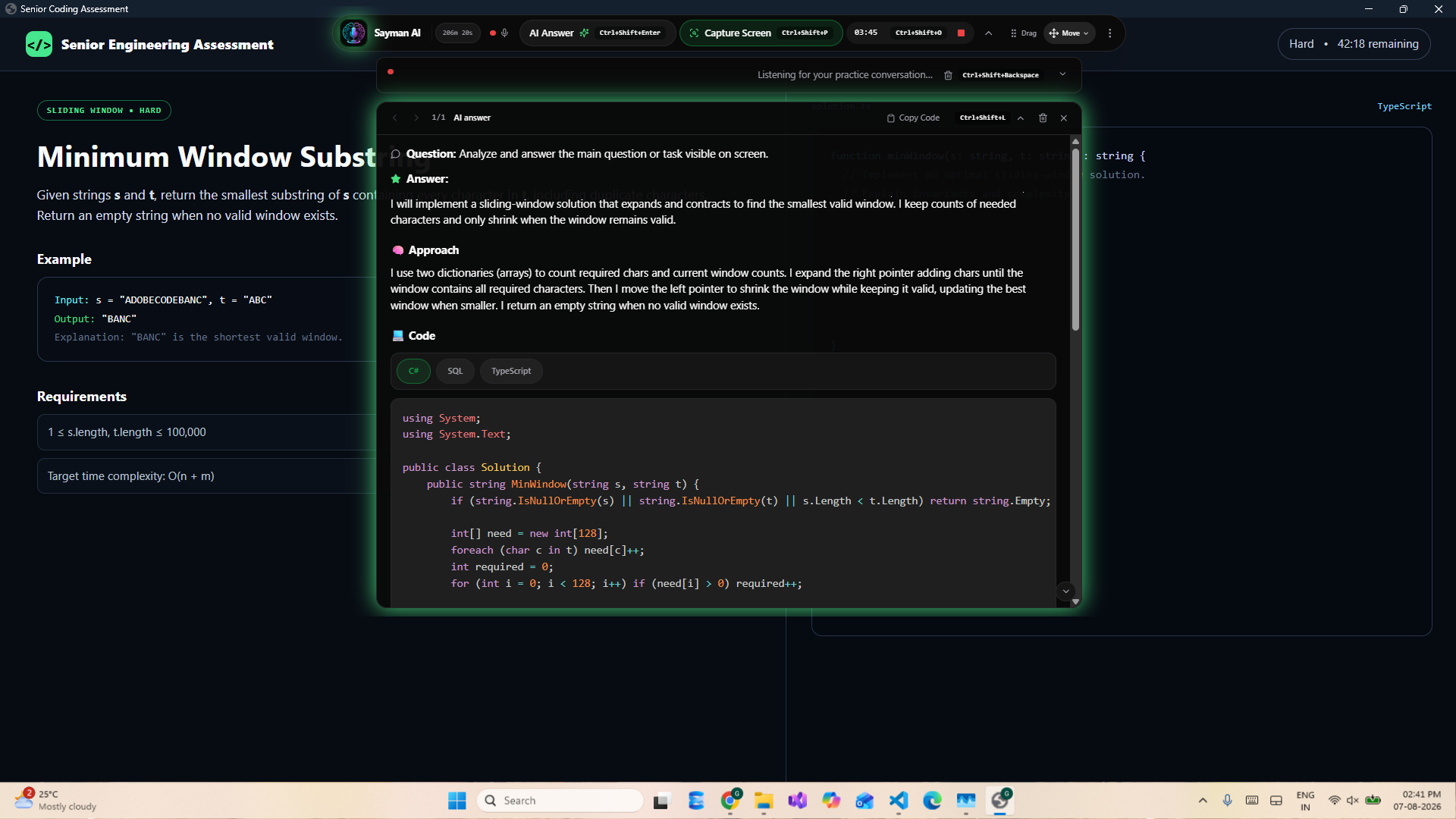
One prompt, several sections
Some coding tasks include a description, constraints, examples, starter code, and hidden details below the fold. Capture each visible section as you scroll, then ask Sayman AI to analyze the ordered bundle as one task.
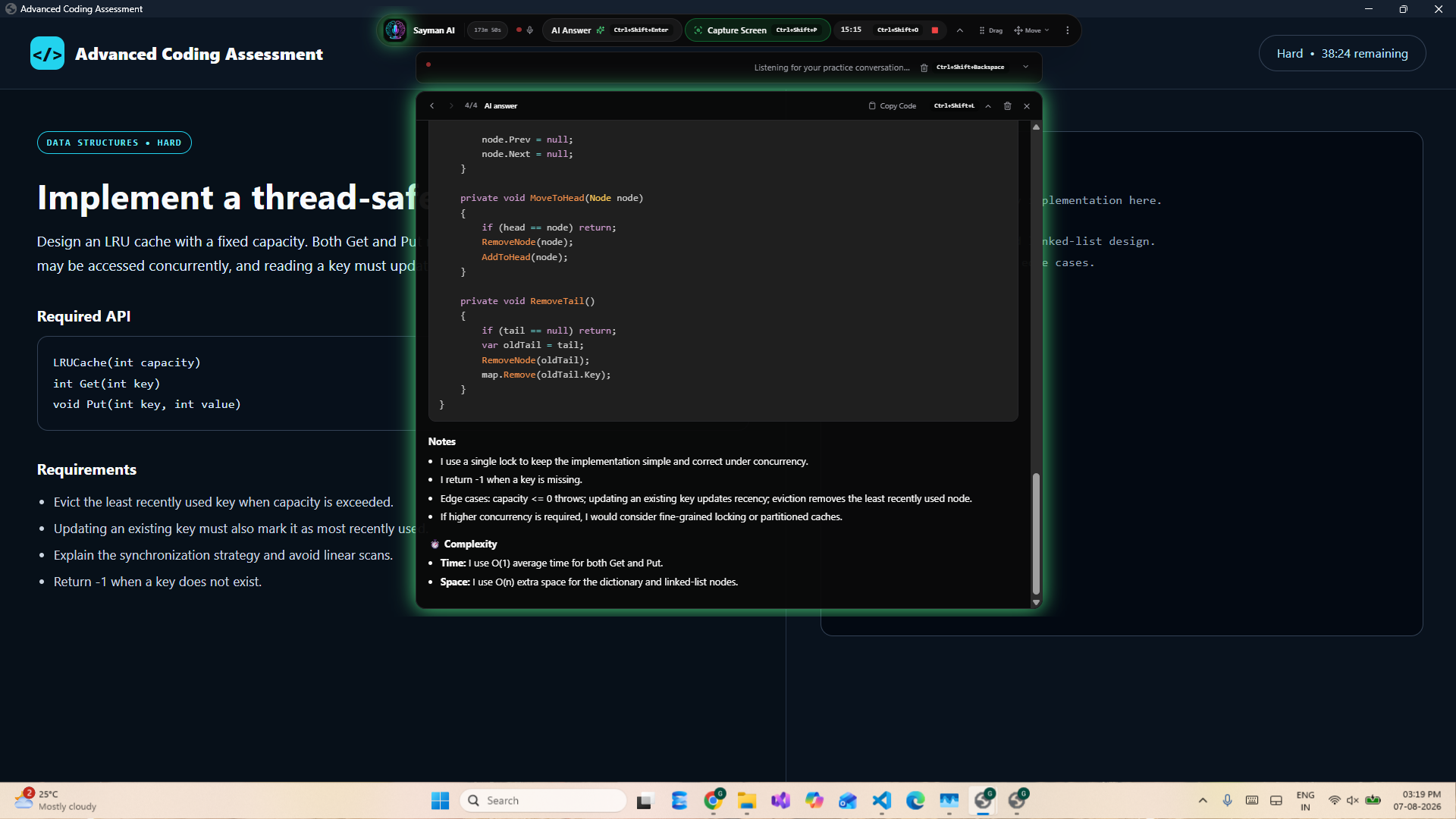
Coding answer format
Sayman AI keeps coding answers structured and validates the result before presentation.
Start with the core idea and the data structure or algorithm that makes it work.
Use the language named in the prompt or the active interview and profile context.
Include useful edge cases, then keep time and space complexity at the bottom.
Technical task detection
The detected intent determines whether the response needs implementation, diagnosis, a query, a review, or a concise prediction.
Constraints, examples, edge cases, implementation, tests, and complexity.
Read visible code and errors, identify the cause, and explain the correction.
Respect the detected database or dialect and keep the query easy to inspect.
Find correctness, readability, performance, and maintainability concerns.
Lead with the expected result, followed by only the reasoning needed to verify it.
Cover components, data flow, scaling decisions, reliability, and tradeoffs.
Regenerate a code answer in another supported language without losing the question.
Resolve short follow-up questions against the active technology and topic.
Use Sayman AI for interview preparation, skill-building, and assessments that explicitly permit AI assistance.
Coding assistant FAQ
You can combine up to five sequential screen sections. Capture them from top to bottom so the description, constraints, examples, and starter code stay in order.
A single capture uses the full-screen overview plus high-resolution detail regions, up to the same five-image safety limit.
It first respects a language stated in the current question, then the established interview context, then your preferred profile language. A safe default is available when none is given.
No. Code appears when the question asks for implementation or syntax. Concept explanations, MCQs, and aptitude questions stay concise and avoid unnecessary code.
Yes for coding tasks. Complexity is kept after the implementation so the solution remains easy to follow and copy.
Coding interview help on Windows
Work through algorithms, debugging, SQL, reviews, and system design with grounded screen analysis.