Live call and microphone transcription
Follow both sides of an interview conversation in one continuous transcript.
Voice + screen + combined support
Sayman AI turns spoken and on-screen interview questions into clear, easy-to-follow answers. It detects the question and interview round, keeps the conversation context, and chooses a useful format for coding, technical, behavioral, system-design, MCQ, and aptitude questions.
Windows 10 and 11Free minutesUser-triggered help
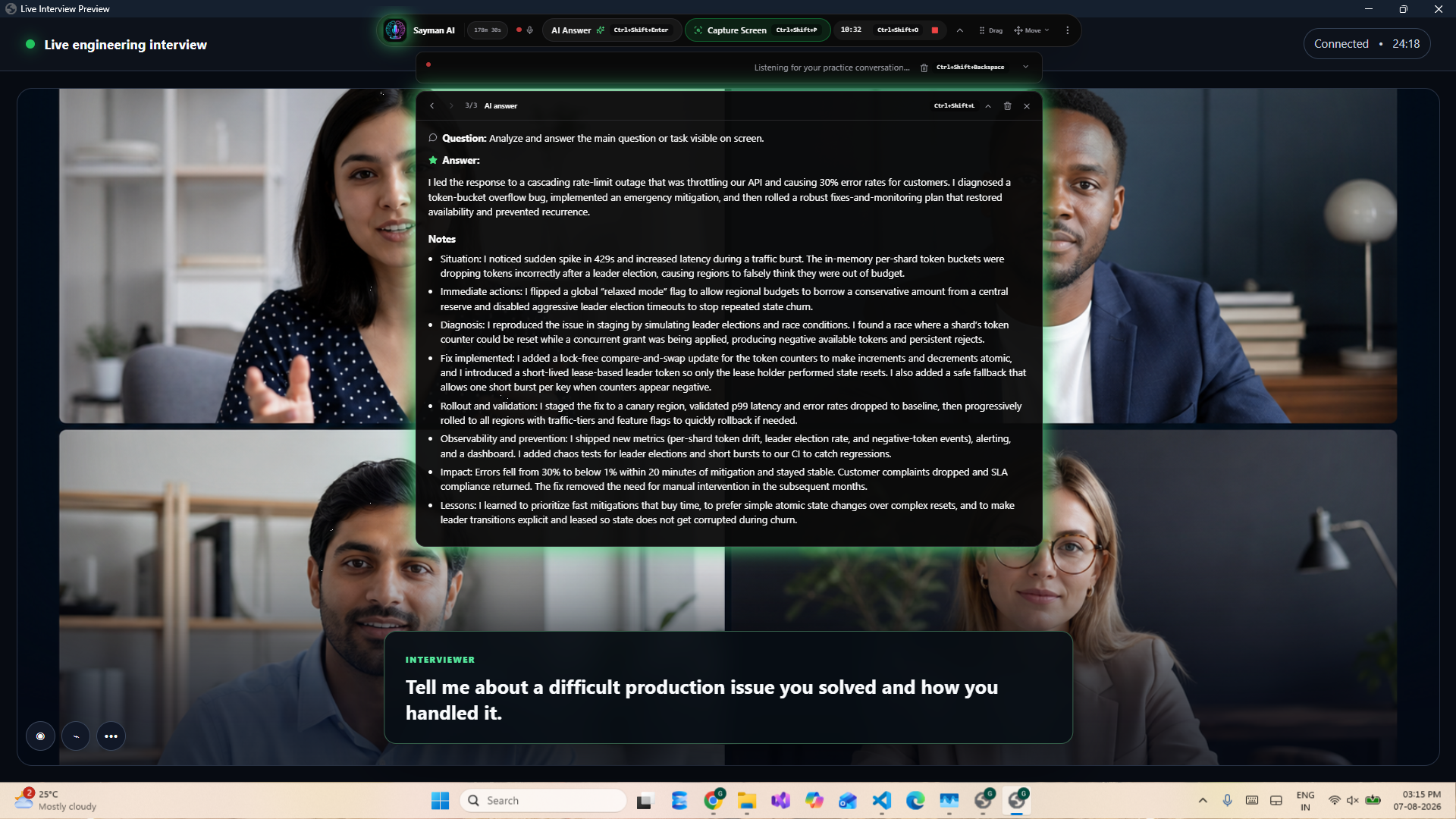
Complete interview support
The input and answer format change with the question, so a definition stays simple, a comparison stays scannable, and a coding problem includes working code and complexity.
Follow both sides of an interview conversation in one continuous transcript.
Find the latest complete question, preserve multi-part prompts, and avoid answering an unfinished thought.
Capture one visible question and analyze the overview plus high-resolution detail regions.
Scroll through a long problem, capture sequential sections, and combine them into one grounded request.
Lead with the direct answer, then add only the detail, examples, code, or reasoning the question needs.
Ground behavioral examples in your real experience and align technical answers with the target role.
Respect the language named in the question, the established interview context, or your preferred language.
Connect short follow-ups to the active topic without dragging unrelated older questions into the answer.
Read the useful opening while the detailed explanation, code, tests, and final complexity continue to stream.
Question intelligence
Sayman AI classifies the question before preparing the response. That keeps a simple concept concise, makes comparison answers easy to scan, prevents unnecessary code in MCQs, and gives coding questions the structure engineers expect.
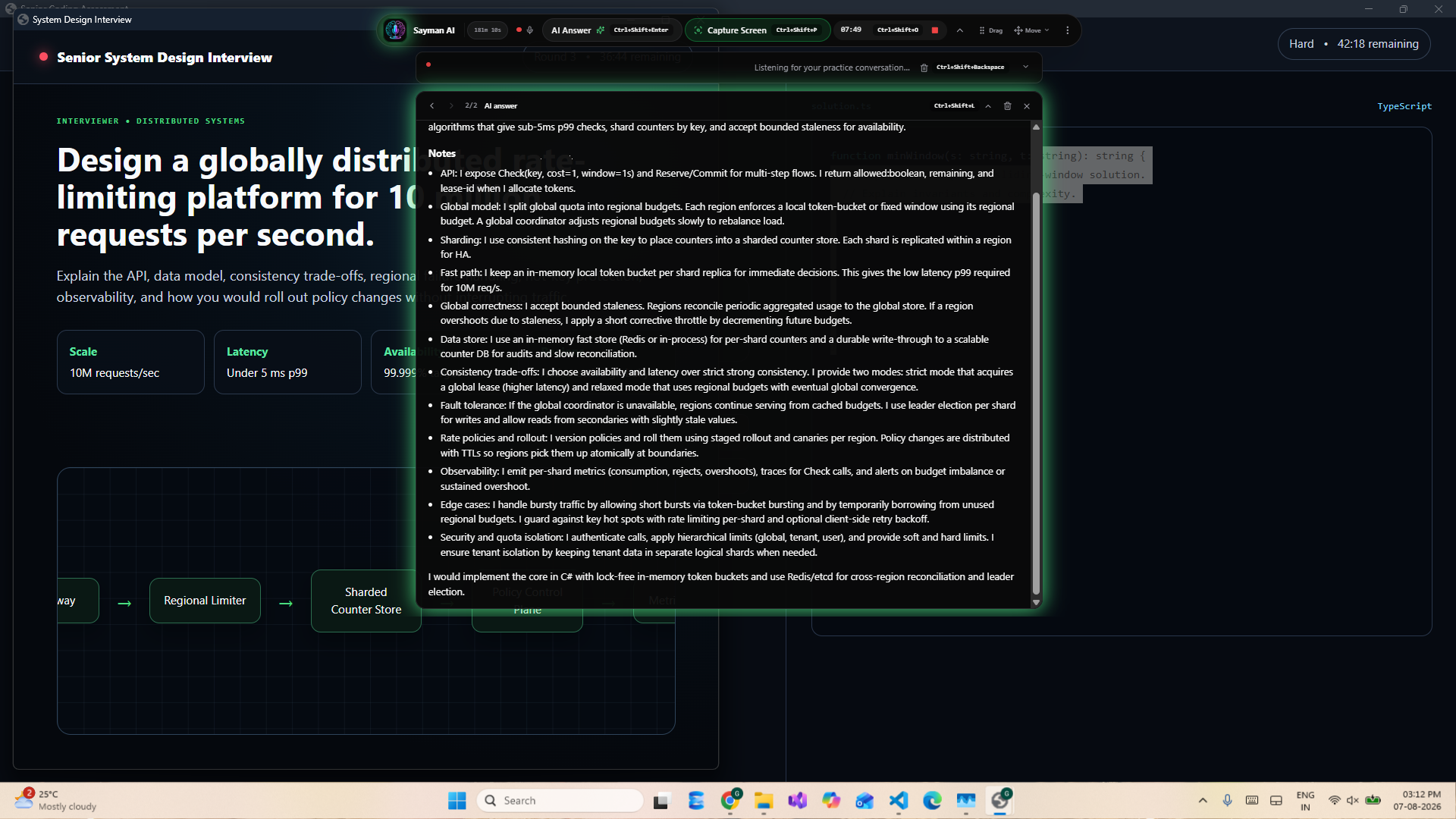
Three input modes
Voice, Screen, and Combined mode share the same answer history and one elapsed-time meter.
Transcribe the interview conversation, detect the latest question, and request a clear answer.
Capture one question or assemble several sections when a coding task is longer than one screen.
Keep voice transcription and screen controls ready when the session moves between conversation and tasks.
Sayman AI is designed for transparent interview preparation, skill-building sessions, and settings where AI assistance is permitted. Always follow the rules of your interview or assessment.
Common questions
It identifies the latest complete question in the transcript, keeps connected multi-part prompts together, and asks for more information when the thought is incomplete.
Yes. For a long coding or technical task, capture up to five sequential screen sections and analyze them together. A single capture also includes detailed regions for readability.
Coding, debugging, code review, SQL, system design, technical definitions and comparisons, behavioral questions, communication prompts, MCQs, multi-select, and aptitude questions.
Yes. Non-coding answers prioritize a direct, natural opening and simple language. Behavioral answers use first-person structure, while technical depth appears only when useful.
Yes. Add your resume, job description, target role, and coding preferences so answers can use relevant, grounded context.
Your next interview session
Create an account, add your context, and use Voice, Screen, or Combined mode on Windows.